DX for Manufacturers
The spreadsheet nobody approved is your real process map
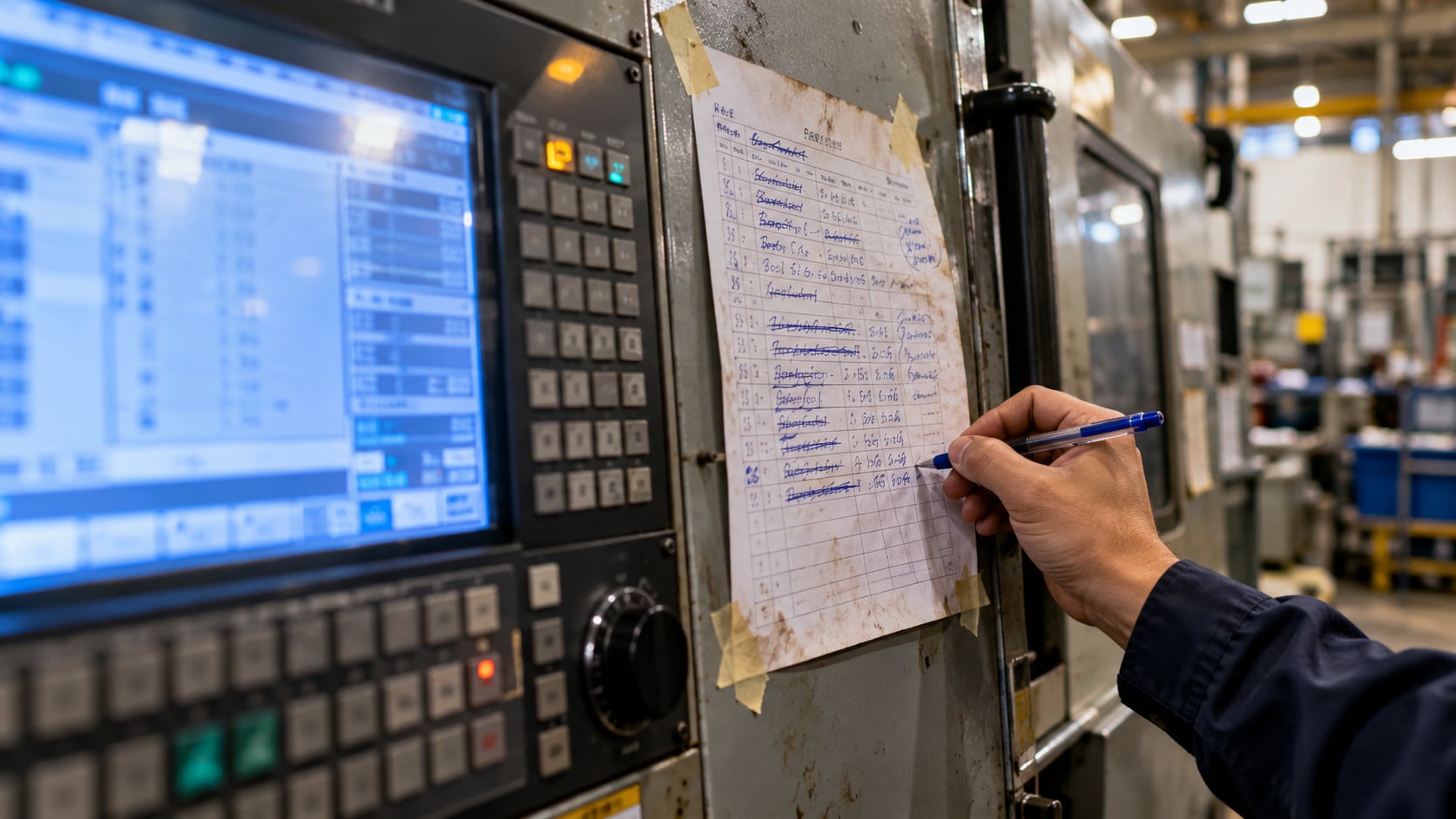
Every factory I have walked through has a document that appears on no system diagram. It lives on one person’s desktop. The filename is something like scheduling_v4_FINAL_useThisOne.xlsx. And when you ask a supervisor how a job actually gets onto a machine this week, that is the file they open.
The official answer is the MES. The real answer is the spreadsheet. Both are true at once. The gap between them is the most useful thing anyone can show you, and the first place I look before automating anything.
Nobody builds a workaround for fun
Maintaining a parallel spreadsheet is more work, not less. Somebody has to keep it current, reconcile it against the system, and remember to update both. They took that on voluntarily, without budget or recognition, and usually without telling anyone above them.
People do not do that out of laziness or resistance. They do it because the official system failed to do something the job required, and production could not wait for a change request to clear IT.
That extra work has a cost that never appears on a report. The same order is keyed in twice. Someone spends part of every morning reconciling the two. Every manual copy is a fresh chance for a typo or an outdated version, which is how a wrong quantity ends up on a job card and a batch gets reworked. So every workaround is evidence: a gap that mattered enough for somebody to fix at their own cost, with rework built into the day. In fifteen years around manufacturing operations, I have found no more reliable indicator of where a system is failing, or of where automation will pay back first.
What the different workarounds are telling you
They are not all the same problem. The form tells you the fault, and the fault tells you the fix.
A spreadsheet that duplicates data already in a system is rarely a data problem. The data exists, but in a shape nobody can use, so someone rekeys it into a layout that answers the question asked in the morning meeting. That is a reporting failure, and the clearest case for automation: generate the report straight from the system, and the rekeying errors disappear with the rekeying.
A WhatsApp group carrying schedule changes is a speed problem. The system is not wrong, just slower than the decision. If a changeover has to be communicated in four minutes and the system takes twenty, the group chat wins every time. Make the official route as fast as the chat, with an automatic alert or a one-tap approval. If it is not faster, it will not be used.
A paper log on a machine means the input step is in the wrong place. Nobody walks away from a running machine to enter data, so they write it down to key in later. Sometimes later happens. That is where your data consistency goes. Capture the data where the work happens, with a tablet, a barcode scan, or an AI tool that reads a photo of the log. Remove the “later” and you remove most of the errors.
And when the workaround is a person, when the honest answer to how a job gets routed is a name rather than a process, you are looking at knowledge that has never been written down, held by one individual who will eventually retire or resign. This is the one not to automate first. No system and no AI agent can run a process that exists only in someone’s head. Sit with that person and write it down, step by step, as you would for a new hire. Having built AI agents of my own, I can say that written description decides whether automation works far more than the choice of tool does.
Finding them without driving them underground
You cannot ask a team what workarounds they use. The word sounds like an accusation, and the answer will be none.
Ask them to walk you through an exception instead. Show me what happens when a rush order lands at four on a Friday afternoon. Show me what you do when the material arrives short. Then watch what they open and who they call. Exceptions are where the unofficial system lives, because the official one was designed for the normal case.
Never frame what you find as a compliance finding. The moment supervisors believe their spreadsheet is about to be confiscated, it moves off the shared drive and you lose the best source of process truth in the building. Treat the person who built it as somebody who solved a problem management did not know it had, because that is exactly what happened.
Then bring that person in to help design whatever replaces it. They know which exceptions come up every week and what the new system must do before the floor will trust it. Leave them out and you get the kind of resistance that rarely looks like resistance: the new system used on paper, the old spreadsheet still running underneath.
Turn them into your automation backlog
Do not rip them out. Each workaround is holding production together until its function is genuinely replaced, and removing it early breaks the line. Use the collection as a specification instead: requirements in operational language, written by the people who do the work and tested daily against reality. That is a far better brief than anything a vendor will draft for you.
It also tells you the order to work in. Standardise first, then automate, the same sequence I set out in what happens after the assessment. Start with the workarounds that rekey data the system already holds, because they are the cheapest to automate and remove the most errors. Move the paper logs to the point of work next. Leave one person’s knowledge until it has been written down. Automating a process nobody has standardised only produces the same errors faster.
And it gives you a clear measure of success: the future state is the set of workarounds your team no longer needs.
So before your next transformation project writes a single process document or buys a single automation tool, spend a day collecting the ones your team already wrote. If you want a structured way to turn that into a baseline across Process, Automation and People, the Verathis Digital Maturity Assessment covers it in 30 to 40 minutes.

Written by Damien Goh
I help manufacturers and F&B businesses turn their operational knowledge into practical AI agents and clearer digital transformation decisions. Based in Singapore.
Related reading
Want to talk about this?
Whether it sparked a question or you want to explore how it applies to your work, I am happy to chat.
Get in touch